Step by step
Find your number
Your number sits in the bottom left of every screen, under Agent number, and in Settings, Number. When the status there says Active, the line is live.
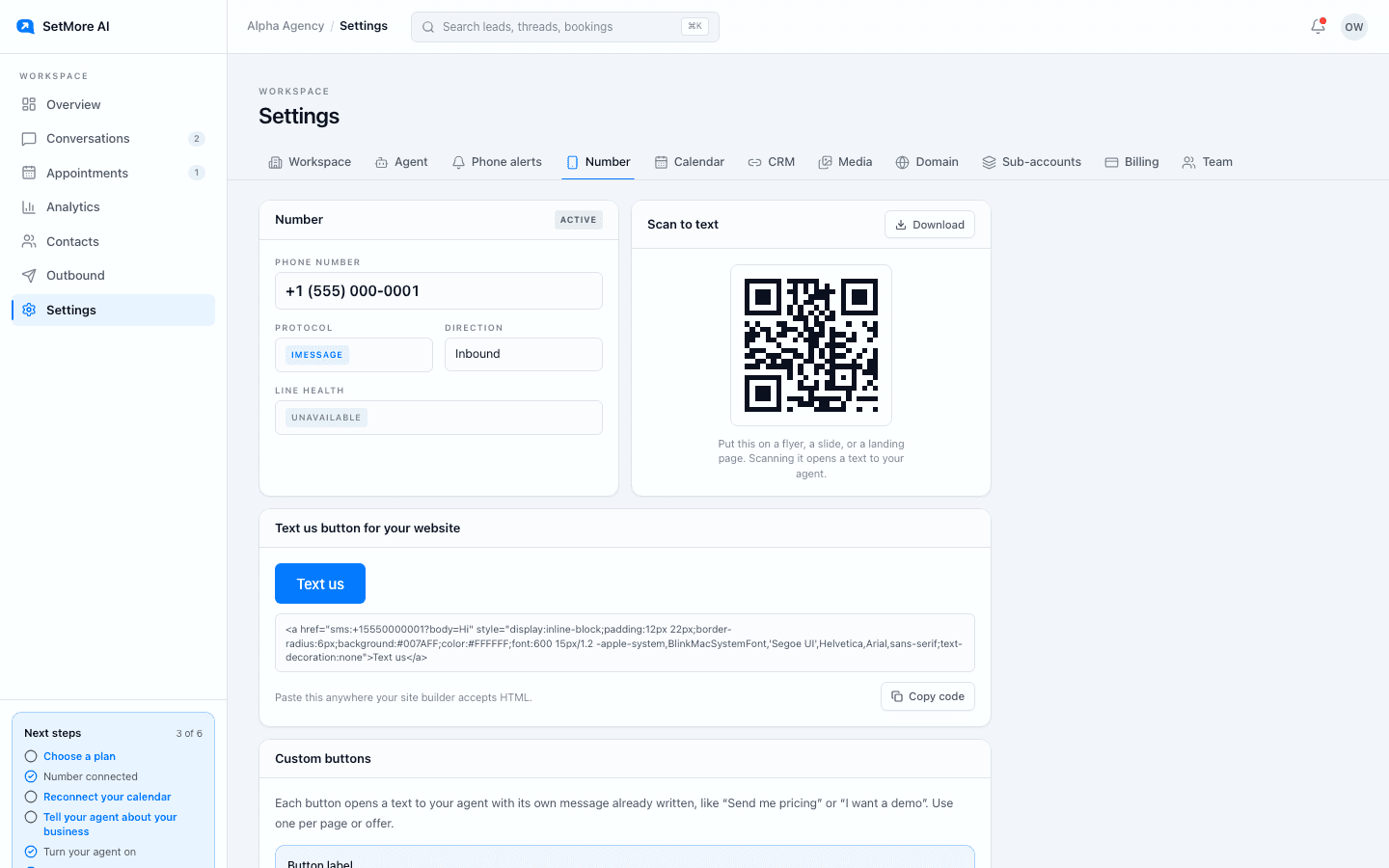
Settings, Number. Active means texts to this number get the setter. Text it from your own phone
Send what a real lead sends: a question about price, or just hi. The setter replies within seconds, asks one question, then offers two times. Stop before you pick a time if you do not want a test call on your calendar.
Play the difficult lead
In the same thread, push back the way real leads do. Ask what it costs, say you are busy, ask if it is a bot. When asked, the setter says plainly that it is the business's AI assistant, then keeps helping.
Read your first ten threads
As real leads arrive, open Conversations and read each thread start to finish as the lead would. Note anywhere it asked something odd, said something out of date, or offered a time you cannot make.
Take over when a lead needs you
Open a thread and press Take over to reply yourself; the setter stops. Press Hand back to AI when you are done, and the setter picks up at the lead's next message. The Needs human filter shows threads waiting on you.
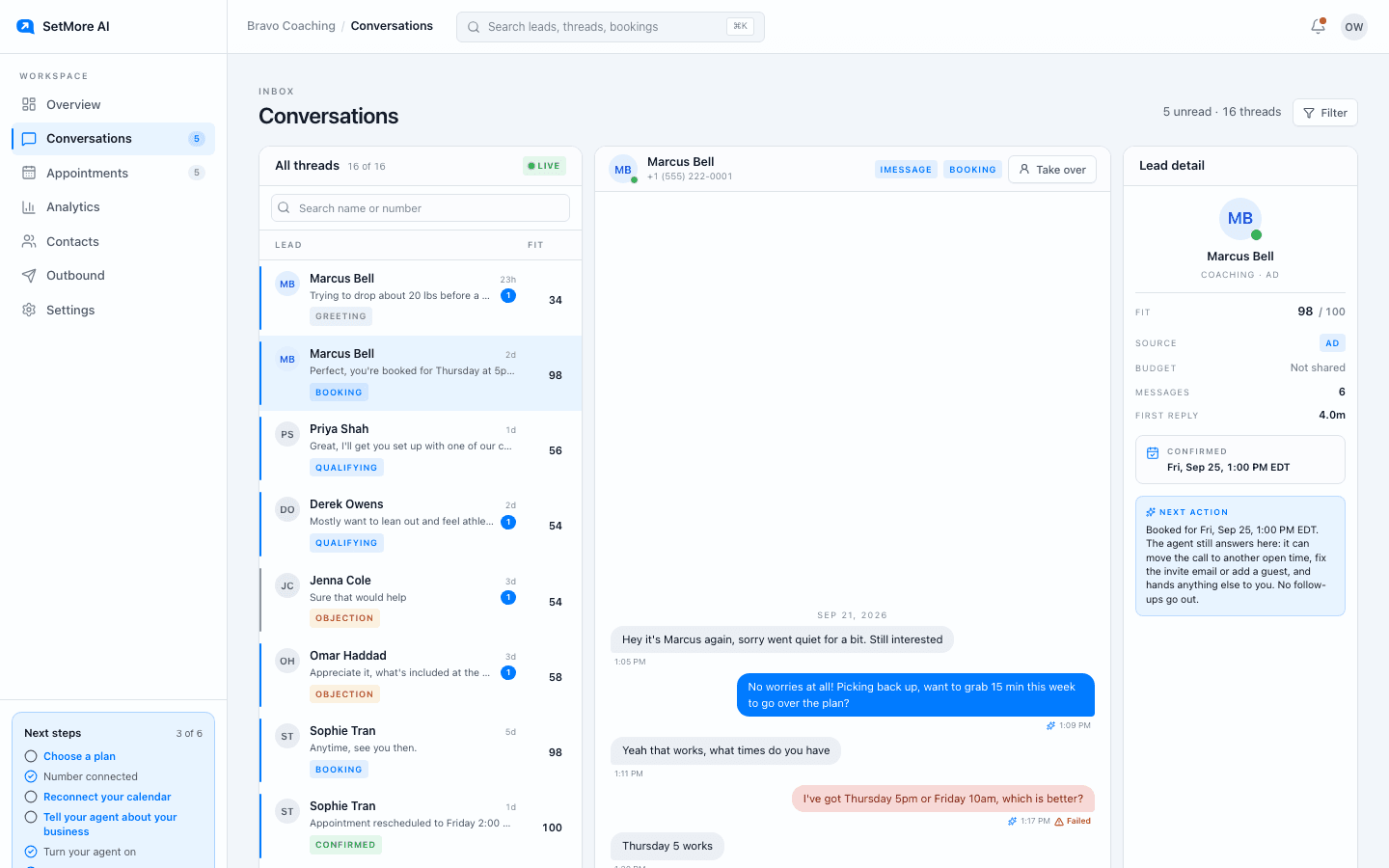
A thread. Take over sits at the top right. Fix one thing
Most first-day problems are one line: a question nobody answers, an out-of-date price in the playbook, or open hours that do not match your week. Change it in Settings, Agent or Settings, Calendar, save, and text your number again to check.
What good looks like on day one
A reply within seconds, one question, two times on different days, a confirmed time, then an ask for an email so the invite can go out. If your test thread did that, your setup is right and the rest is tuning.
If nothing comes back
Check Settings, Number. If the status says Provisioning, Verifying or Activating, the line is not live yet; wait for Active. If it is Active and your text still gets no reply, contact support with the time you sent it.
Questions people ask
- How long does the setter take to reply?
- Usually a few seconds. It answers every text that reaches your number at any hour, because a reply to someone who just wrote is never held for quiet hours.
- Will my own test thread show up in the portal?
- Yes. It appears in Conversations like any other thread, which is also the easiest way to read it the way a lead would.