What SetMore AI is
SetMore AI is an AI appointment setter that works over text message. You give it a phone line and a short description of your business. When a lead texts, it replies within seconds, asks one qualifying question, handles the usual pushback, and books a call straight onto your calendar. No booking link.
It is not a website chatbot and it is not a mass-texting tool. It holds one real conversation with one lead at a time, the way a good human setter would, and it stops the moment you take over or a lead asks it to.
Create your account
Pick a plan on the pricing page and sign up with your work email and a password. The plan you chose carries through, so you only pick once. Forgot your password later: reset it from the sign-in screen.
Every plan is charged the day you subscribe. There is no trial and no setup fee, and your dedicated number is included in the price on Business, Outbound and Agency.
- One email runs one workspace. If you run an agency, each client gets their own workspace and their own sign-in.
- Starter uses your existing CRM number, so that plan skips the number step and connects your CRM instead.
The setup wizard
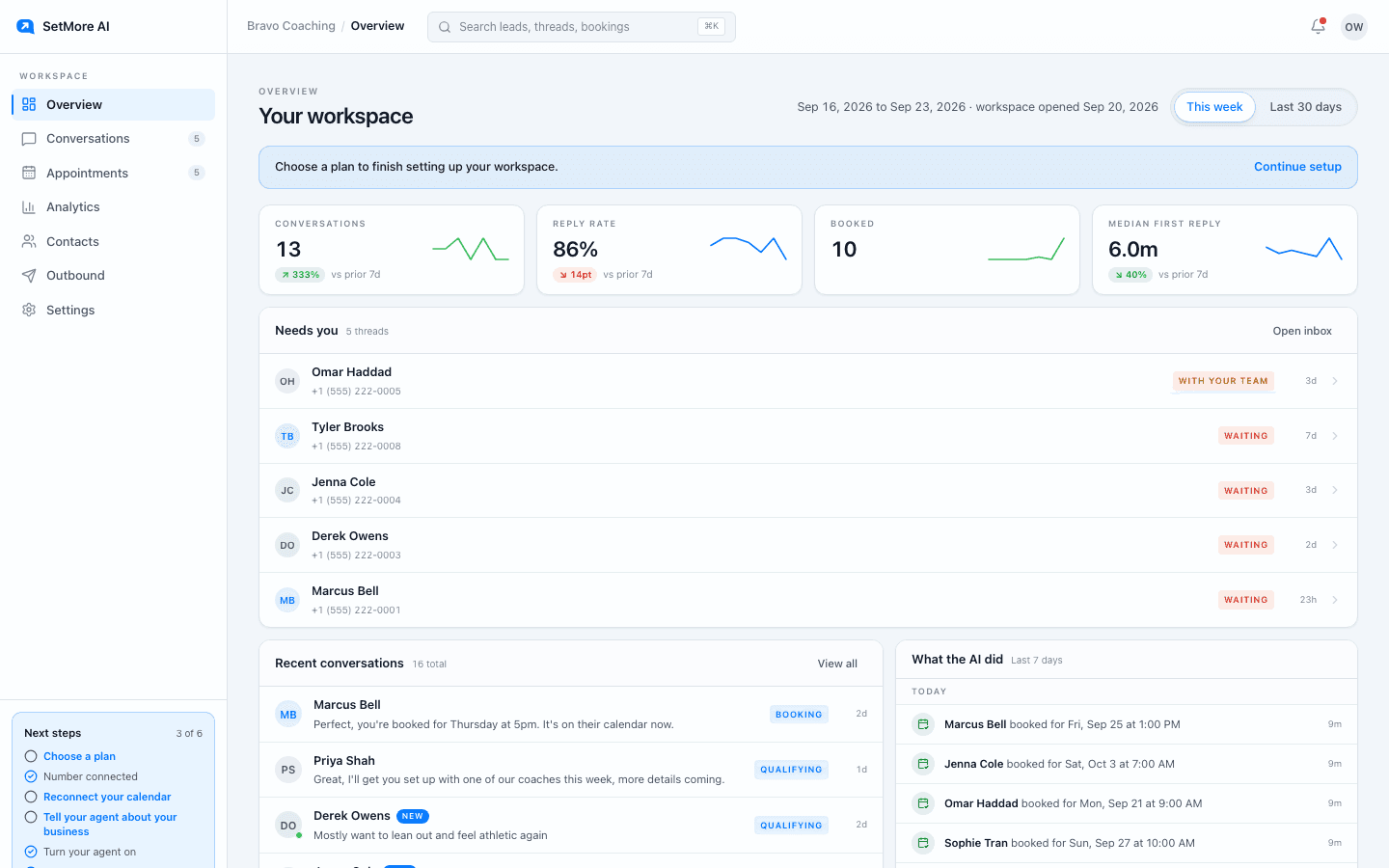
The first time you sign in we create your workspace and walk you through five short screens: Plan, Number, Calendar, Agent, and First text. You can see how many are left and come back to any of them from Settings later.
Number: pick an in-stock area code and press Get my number. A few minutes of Provisioning is normal. Done looks like the number showing as active in the bottom left of the portal.
Calendar: connect Google Calendar, or use the built-in availability (open hours, slot length, buffer, notice, and how far ahead leads can book). Every booked lead gets a calendar invite either way.
Agent: choose your industry and personality, then write three to five qualification questions and your objection playbook. Keep the questions short. The setter asks one per text.
Your first text
Text your new number from your own phone. Within a minute the thread appears in Conversations and you see the setter reply. That is the fastest way to hear its tone and fix anything before real leads arrive.
Then read the Agent tab once more with that conversation fresh in mind. Most of the tuning people do happens in the first hour and then almost never again.
Questions people ask
- How long does setup take?
- About fifteen minutes if you have your card, your business description and a rough idea of your hours. The number is usually live within a few minutes of paying.
- Do I need a CRM?
- No. Only the Starter plan runs on a CRM number. Business, Outbound and Agency come with their own dedicated line.
- Can I change my answers later?
- Yes. Everything the wizard asks lives in Settings and can be changed at any time.