Where contacts come from
A contact is created the first time a number appears, whether they texted you or you imported them. You never create one by hand before a conversation can start. Each contact records its source, so a lead from an ad is distinguishable from one who scanned a code or came from a list.
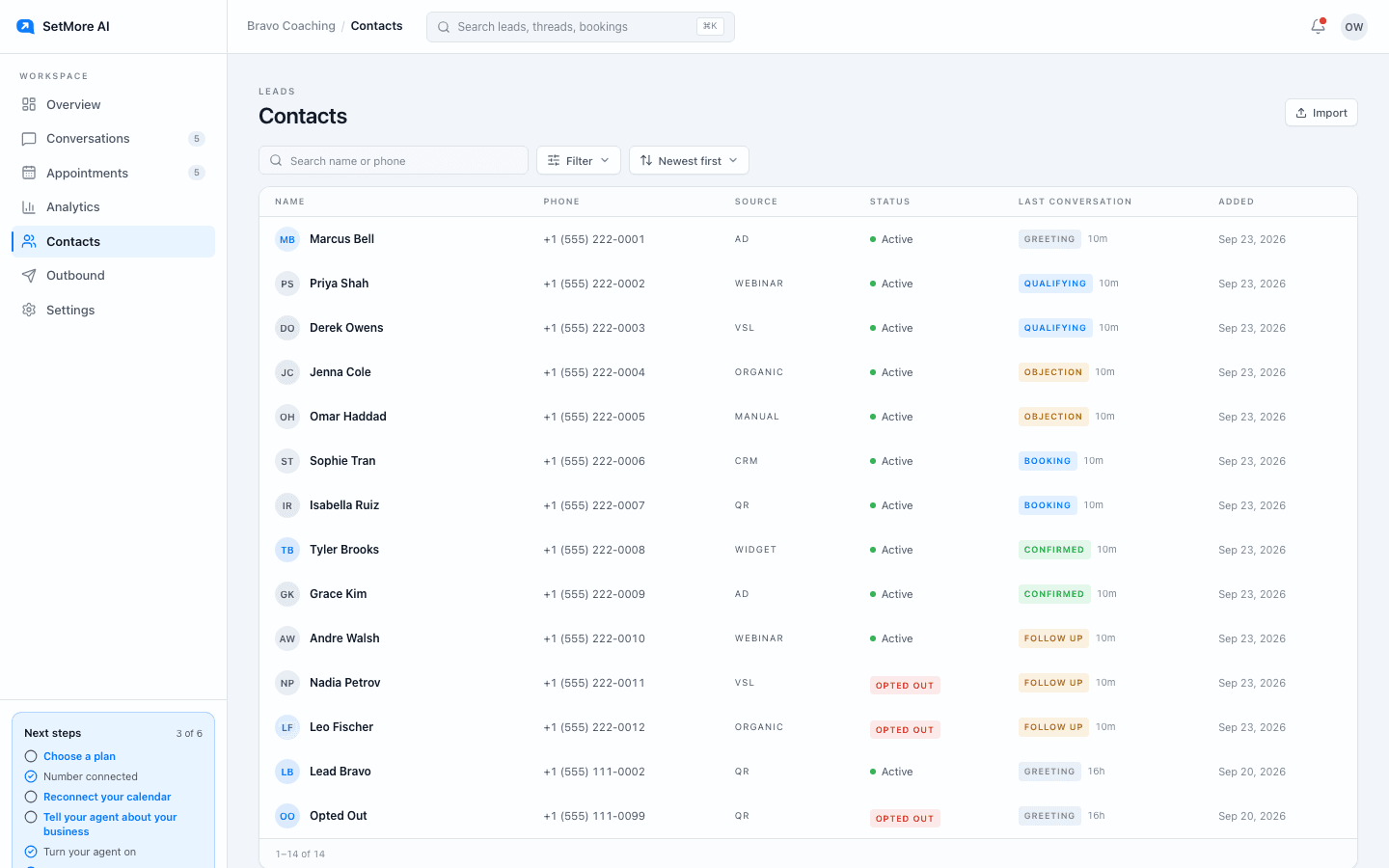
The detail view
Click a contact to open their details, conversation history and any appointments tied to them. It opens over the list so you keep your place. The setter may fill in a small fixed set of facts during a conversation: name, email, time zone and notes in the lead's own words. It cannot invent fields, overwrite your notes, or change how a contact is categorised.
Importing a CSV
Import takes a CSV up to 5 MB and 2,000 rows. Columns named phone, name or email are matched automatically; every other column is kept as lead detail. Rows without a usable phone number are rejected and shown to you, and numbers already in your workspace are skipped rather than duplicated. Check the file first, then import.
- Importing creates contacts. It does not text anyone. Starting conversations from a list is an outbound campaign and needs an outbound line.
- Only import people who gave you consent to be texted.
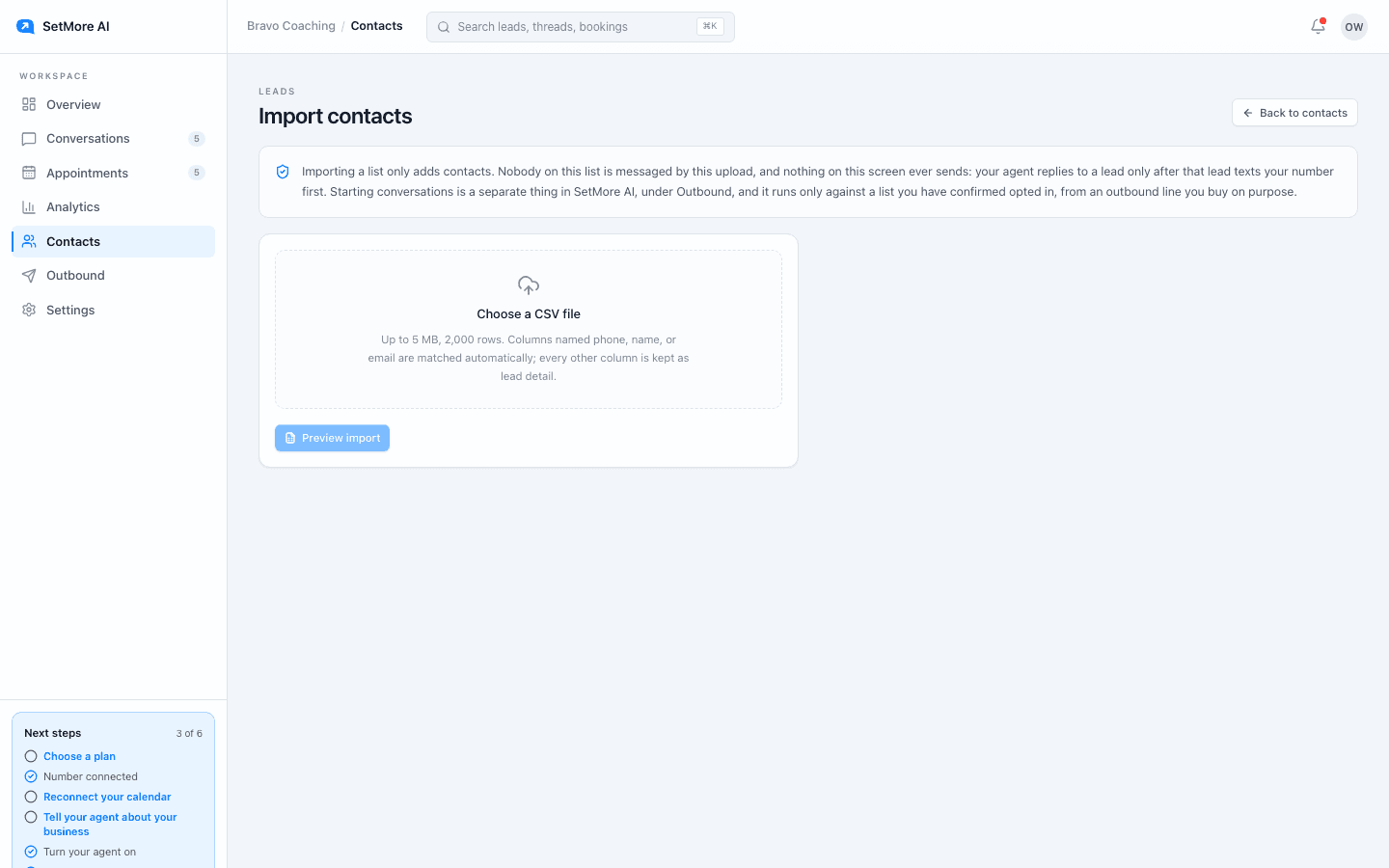
Opted-out contacts
A contact who replied STOP is marked Opted out and can no longer be messaged, by the setter or by you. They stay in your list so you keep the history.
Questions people ask
- What columns does the CSV need?
- One with a phone number. Name and email are picked up if present. Any other column is stored as detail on the lead.
- Will importing text my list?
- No. Import only creates contacts. To start conversations you need an outbound line and a campaign.