Booking without a booking link
The setter proposes two specific times in the conversation, the lead picks one in plain language, and the booking is made in that same message. A link asks the lead to do work; naming two times asks them to say yes. When the time is confirmed the setter asks for an email, and the calendar invite goes to it.
Knowing when you are free
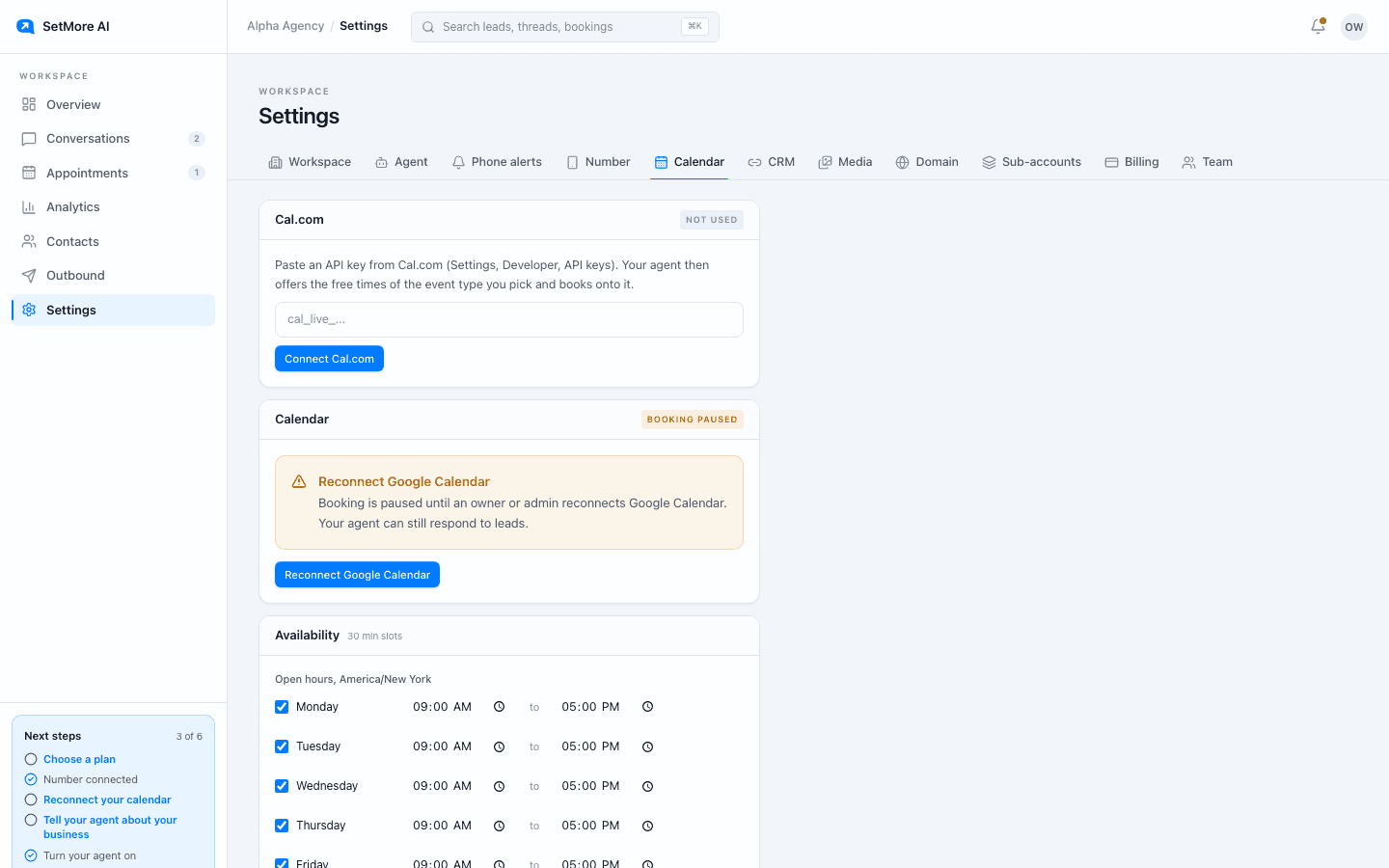
Without a connected calendar the setter uses the availability you set: open hours per day, how long a call runs, buffer between calls, how much notice you need, and how far ahead a lead can book. Plenty of accounts never connect anything. Connect Google Calendar and it also reads your busy times, so it never offers a slot you already have.
Google Calendar and CRM
Connect Google from the Calendar tab and approve the permission. We read free and busy times and write the bookings we make, nothing else, and you can disconnect at any time. On Starter, bookings go into the CRM calendar you chose on the CRM tab.
Cal.com and Calendly
Already take bookings on Cal.com or Calendly? Paste a key or token in the Calendar tab and pick the event type the setter books. It then offers that event type's open times, books onto it, and finds bookings leads made on your own booking page. Calendly needs a paid Calendly plan. The walkthroughs cover each step.
With more than one connected, a chosen Cal.com event type books first, then a chosen Calendly event type, then Google Calendar, then a CRM calendar, then your built-in availability.
Rebooking, guests and cancelling
A lead who texts to move the call gets rebooked in the thread, in their own time zone, and the invite updates. A lead who asks to add someone gets them invited to the same event. A lead who wants to cancel outright is handed to you rather than cancelled by the setter.
If a booking cannot be confirmed
A booking is created first and the confirmation is sent second. If the confirmation cannot be delivered, the booking is cancelled again automatically, so you never hold a slot for a lead who was never told about it. A booking on your calendar means the lead has a confirmation in hand.
The appointments screen
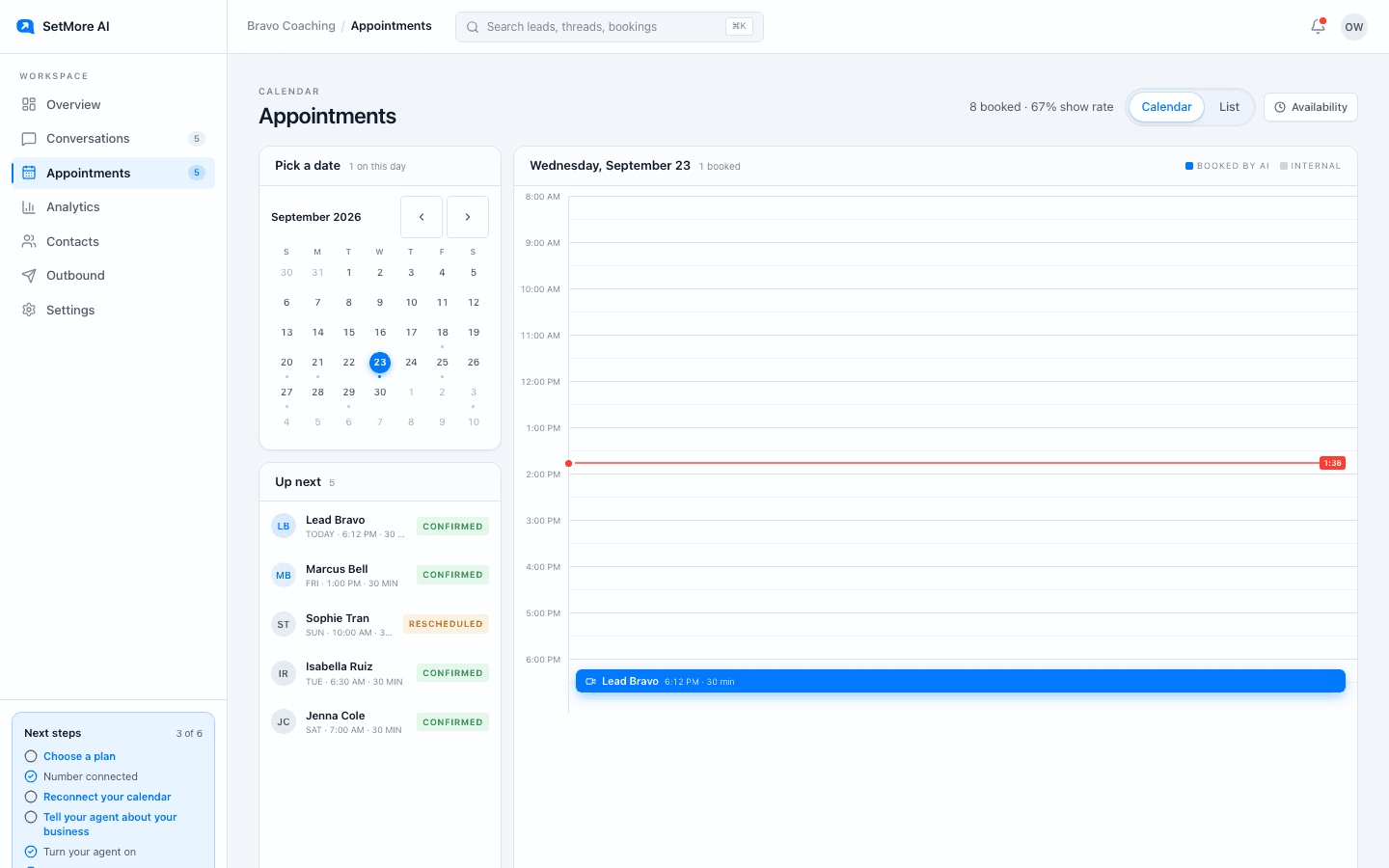
Appointments lists what is booked, what is coming up, and what happened to each one. Show rate is calculated from it and appears in analytics.
Questions people ask
- Do I have to connect Google Calendar?
- No. The built-in availability works on its own and every booked lead still gets an invite. Connect Google when you want your existing busy times respected.
- What time zone are times offered in?
- The lead's. The setter converts from your availability to their zone and says it the short way, like Tue 10am PT.