What a sub-account is
A sub-account is a full workspace for one client, under your agency. It has its own dedicated number, its own calendar and availability, its own agent settings, and its own sign-in for the person who runs it. You can open any client's workspace from yours. They cannot see yours or each other's.
Adding one
You need the client's business name and the email of the person who will run it (one email runs one workspace). Adding the sub-account is free and their sign-in invitation goes out. The client then connects their own CRM number at no extra cost, or requests a SetMore number, which adds $149 a month to your agency's subscription. Then set up their agent the way you would your own: industry, questions, playbook, availability.
- You set the price your client pays you. Sub-accounts cost you nothing; a SetMore number is $149 a month inbound ($1,788 a year, no annual discount) or $297 a month two-way.
- Removing a number from your subscription suspends the most recently added sub-account that holds one, within seconds, and stops its setter. To choose which client, archive that sub-account first. Data stays until the workspace is deleted.
Your brand on the portal
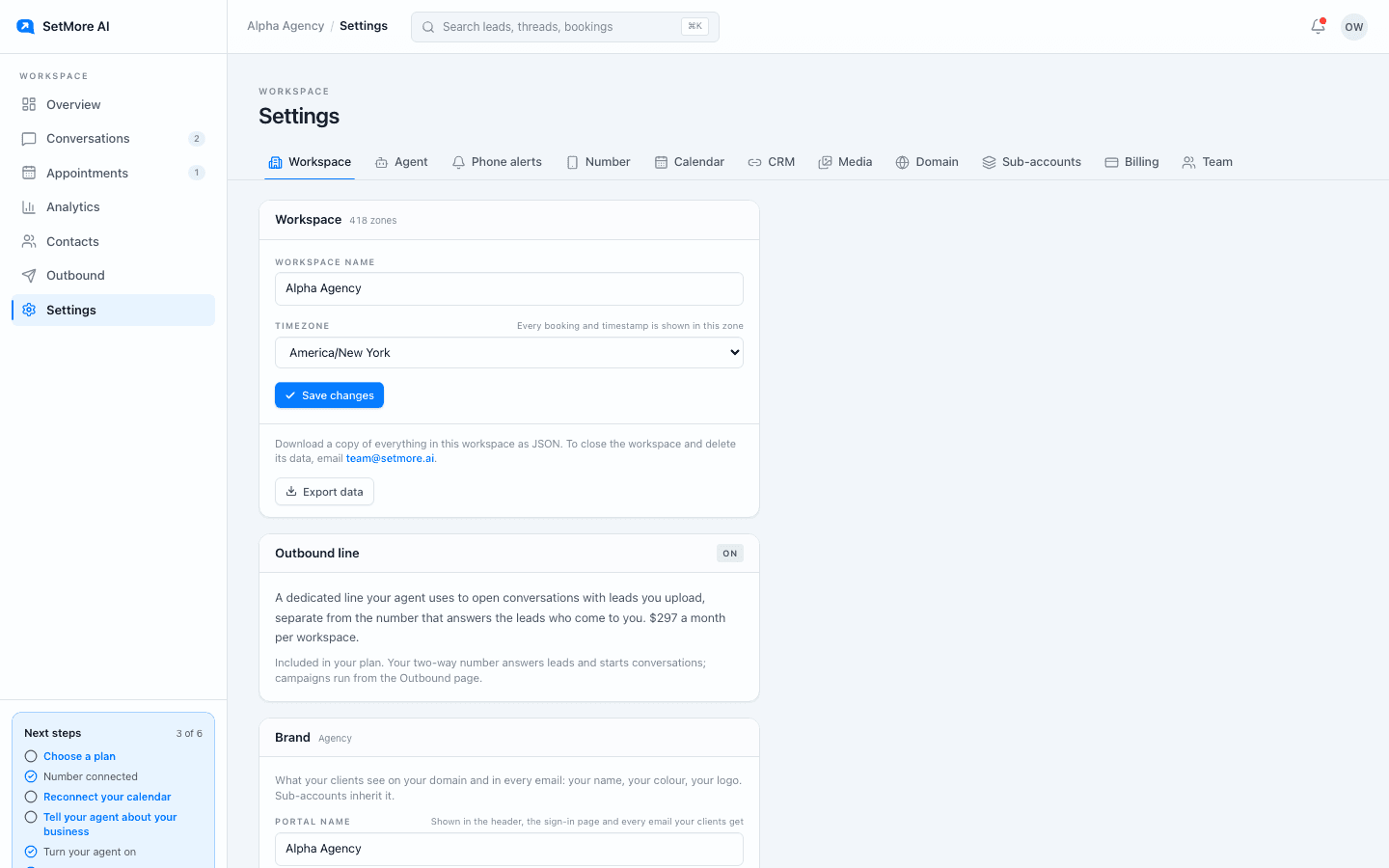
Under Settings, Workspace, Brand, set the portal name and upload your logo (PNG, JPG, WebP or GIF under 800 KB). Your clients see your name and logo in the header, on the sign-in page, and in every email the portal sends them. Sub-accounts inherit it.
Your own domain
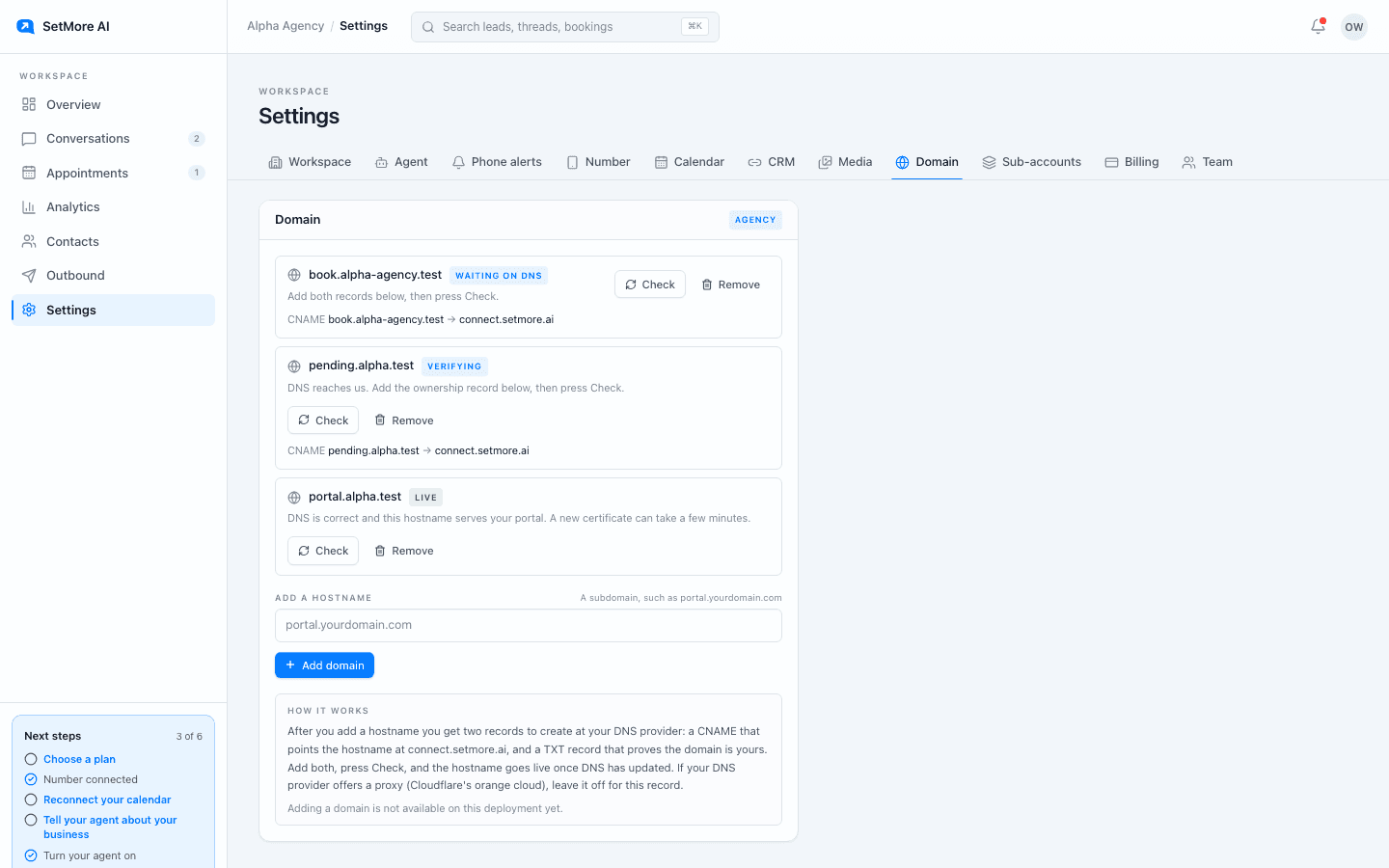
Under Settings, Domain, add a portal domain such as portal.youragency.com and follow the two DNS records shown. Once it verifies, your clients sign in there and never see setmore.ai.
Outbound for clients
A sub-account's line answers inbound. Outbound for a client is managed from the agency workspace, so campaigns and lists are yours to run on their behalf, under the same consent rules.
Questions people ask
- Do clients see SetMore AI anywhere?
- Not once your brand and domain are set. Header, sign-in, and emails all carry your name.
- Can a client manage their own billing?
- No. Any SetMore number is on your subscription. What you charge the client is between you and them.
- How many sub-accounts can I add?
- As many as you like. Sub-accounts are free and unlimited on Agency.