Signing in
You sign up with your email and a password and are signed in immediately. If you forget the password, reset it from the sign-in screen; the reset link works once and expires shortly after it is sent.
Roles
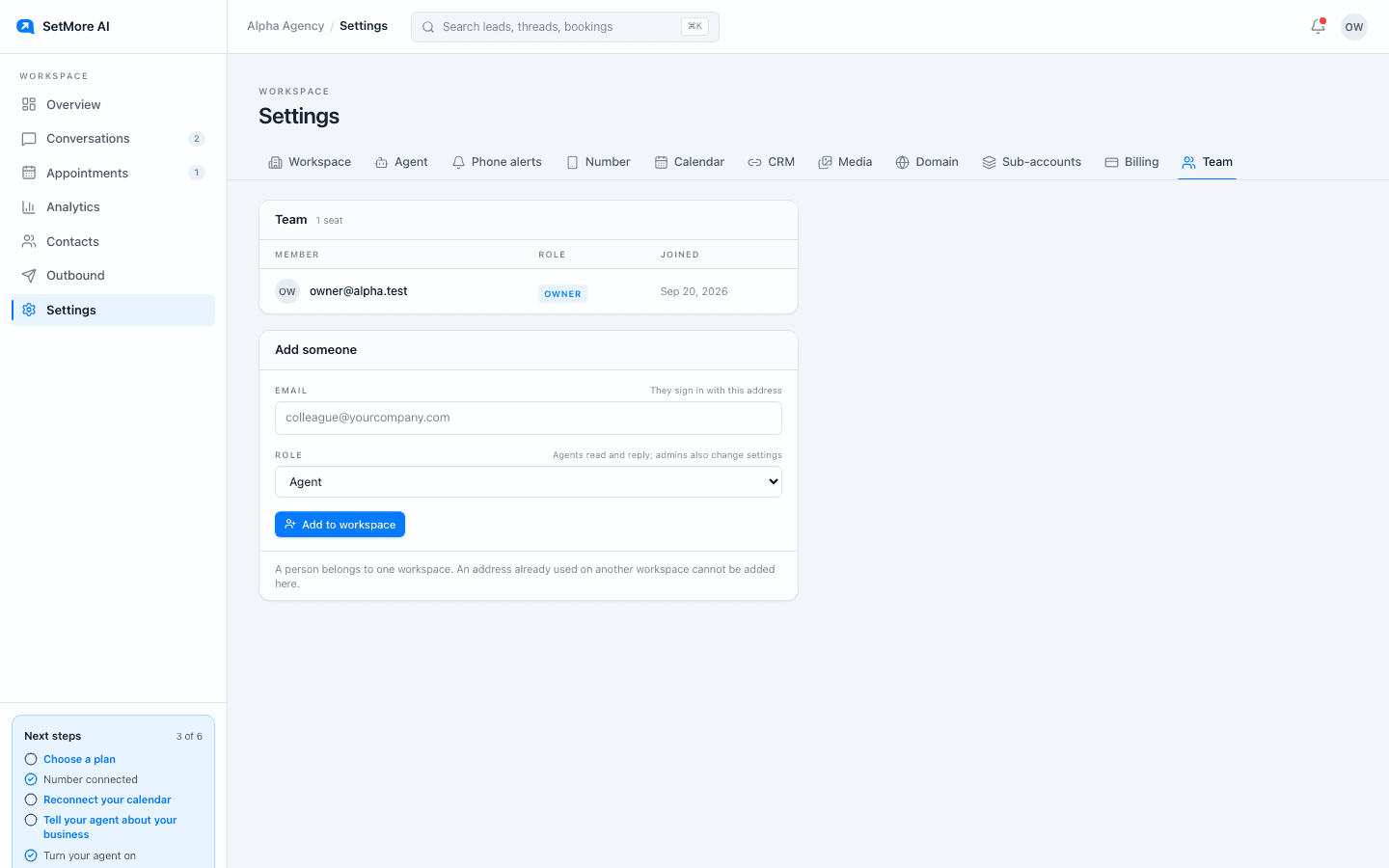
Owners and admins can change settings, buy or release a line, and see billing. Agents can work in the product: read and take over conversations, manage contacts and appointments, and see analytics. To add a seat, email support with the person's email and the role you want; the Team tab lists who has access. Role checks run on our servers, not just in the interface; hiding a button is not security, refusing the request is.
Your data
Everything in your workspace can be downloaded as a single file from Settings, Workspace. To close a workspace, email support from the owner's address and we remove the workspace and its data.
Sub-accounts stay apart
On the Agency plan you run a workspace for each client under your own. A parent can see its children. A child cannot see its parent or any other child. That separation is enforced on every piece of data rather than page by page, so there is no screen where the wrong workspace's data can appear.
Our security posture
Every signed-in area requires a session. Calendar access is stored encrypted and can be disconnected at any time. The security page sets out how we handle your data, and the privacy page covers what we collect and why. Both are public and worth reading before you connect a calendar or import a list.
Questions people ask
- Can two people share one login?
- Give each person a seat instead. Email support with their address and role; each gets their own sign-in, and one can be removed without affecting the other.
- How do I delete my account?
- Export your data from Settings, Workspace, then email support from the owner's address.